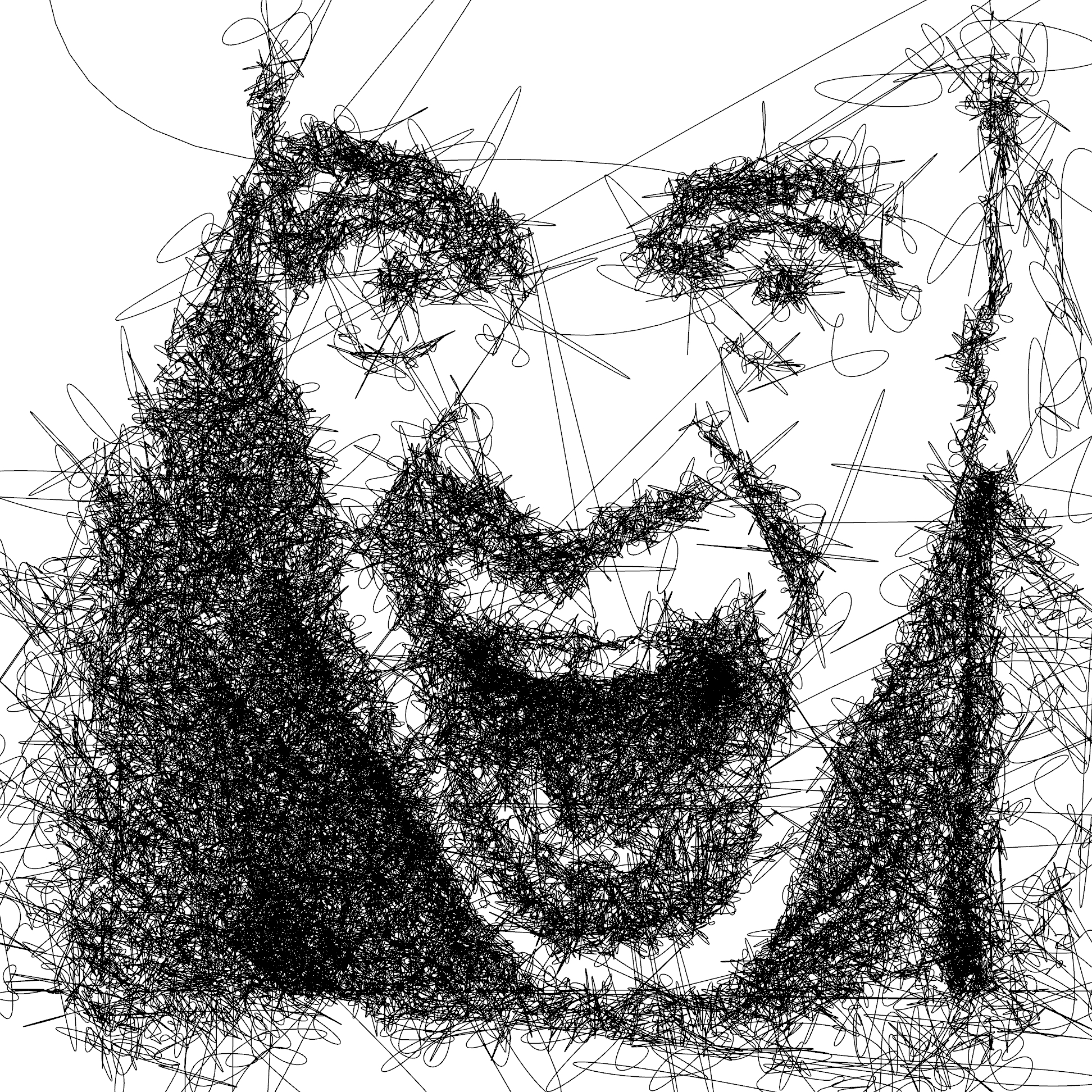
single-line portrait - in realtime
ART REIMAGINED
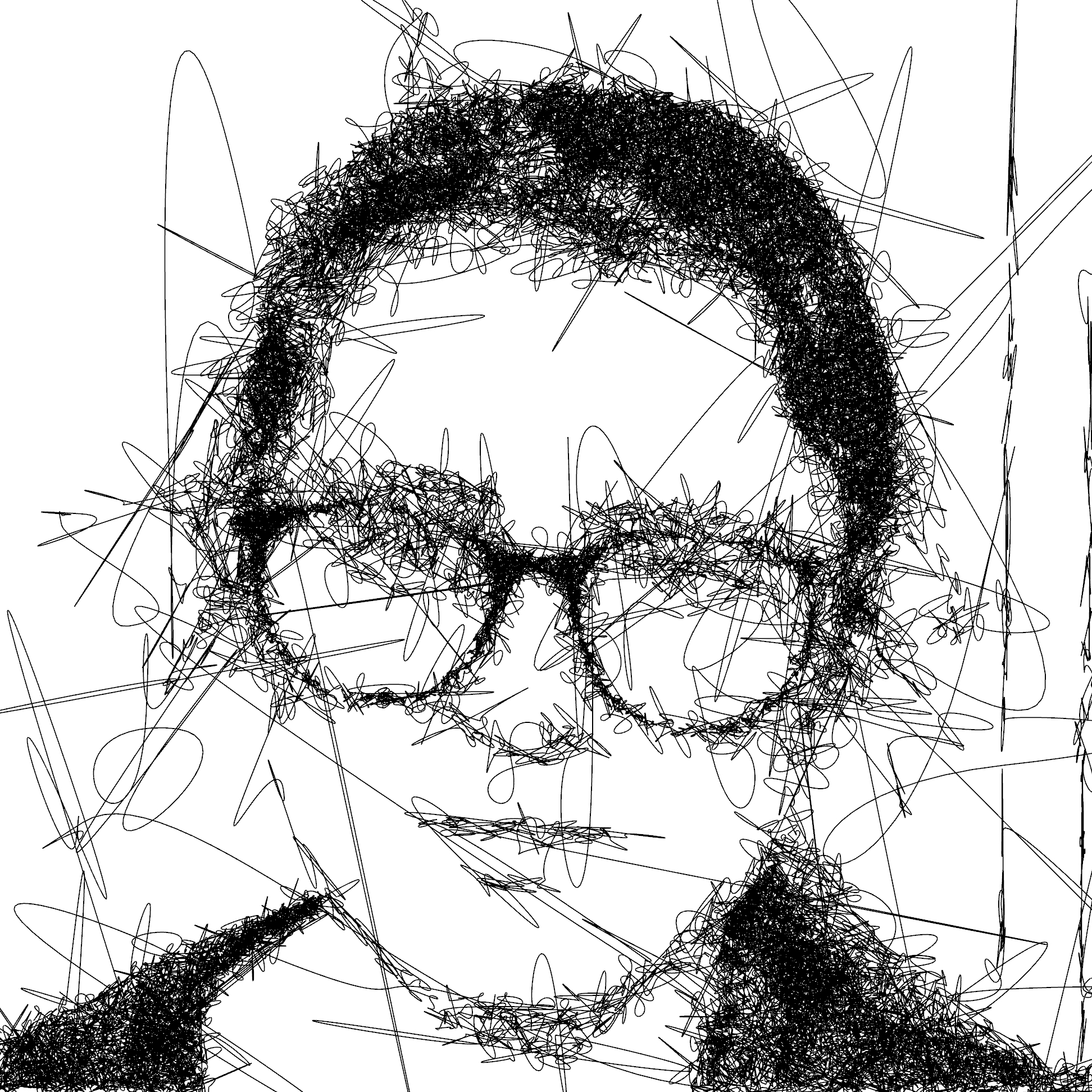
This project creates a single-line portrait from a realtime camera feed, making an experience out of having your portrait drawn for you by the Terrapen plotter.
Want to explore the possibilities of new technologies? Get in touch to explore ideas.
CHALLENGE & APPROACH
A single-line drawing algorithm tries to draw a picture without taking the pen off the paper, by scribbling back and forth with a higher density in the darker areas it’s possible to create a picture which the human brain is great at seeing the pattern of the underlying image.
TECHNOLOGY & EXECUTION
After finishing the first version in Processing (which worked but was a bit slow) we wondered if it would be possible to create a realtime version, fast enough to respond to a moving camera image or video. Part of the problem was solving the physics simulation with enough particles to dither the source image recognisably but still run in realtime. The second part was to solve the problem of how to draw a single line through all the points in realtime.
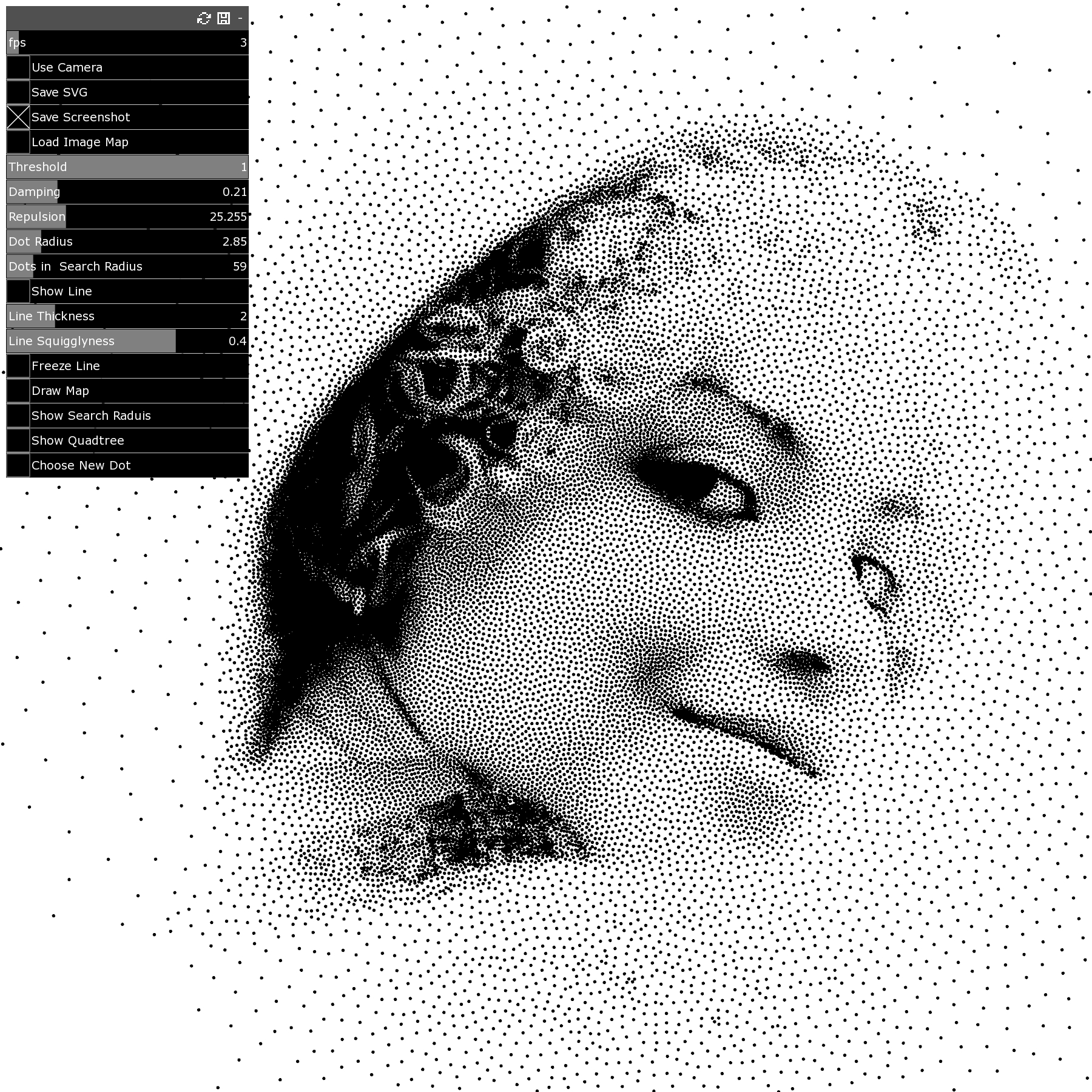
The key part of the particle spring dithering system is based on the spring strength is proportional to the image brightness. So particles over darker areas in the incoming image have weaker springs which means they cluster together more making the dithering darker. As the underlying image moves, the particles sense the brightness of the pixels they are over and adapt their repulsion spring strength to match, this creates a nice fluid-like flow to the movement as they constantly jostle around trying to find an equilibrium.
Obviously, Processing wasn’t going to cut it, speed of calculations wise, it is interpreted after all. I did some looking around for options and quickly settled on coding it in C++. (there was the option of doing on the GPU but I decided to leave that challenge for a future version). Next was the choice of a graphics library to use, OpenFrameWorks is still one of the most versatile and fastest and I have some experience using it. Next was the physics… I spent a while looking at various libraries but they all had their own complications and by the time I’d learnt how to use them, if they didn’t work I wouldn’t understand why, so in the end I opted for coding the particle spring dynamics from scratch.
I managed to get a basic realtime particle dithering system up and running after a few weeks of part-time coding. It was already running ~10 x faster than the Processing version but there were several glaring inefficiencies. First, it was only running on a single thread so I set about parallelising the physics engine to use all available CPUs. With 26+ threads there was an extra 26+ x improvement in performance. We were up to 10k+ particles reacting in realtime to webcam image and dithering it nicely.
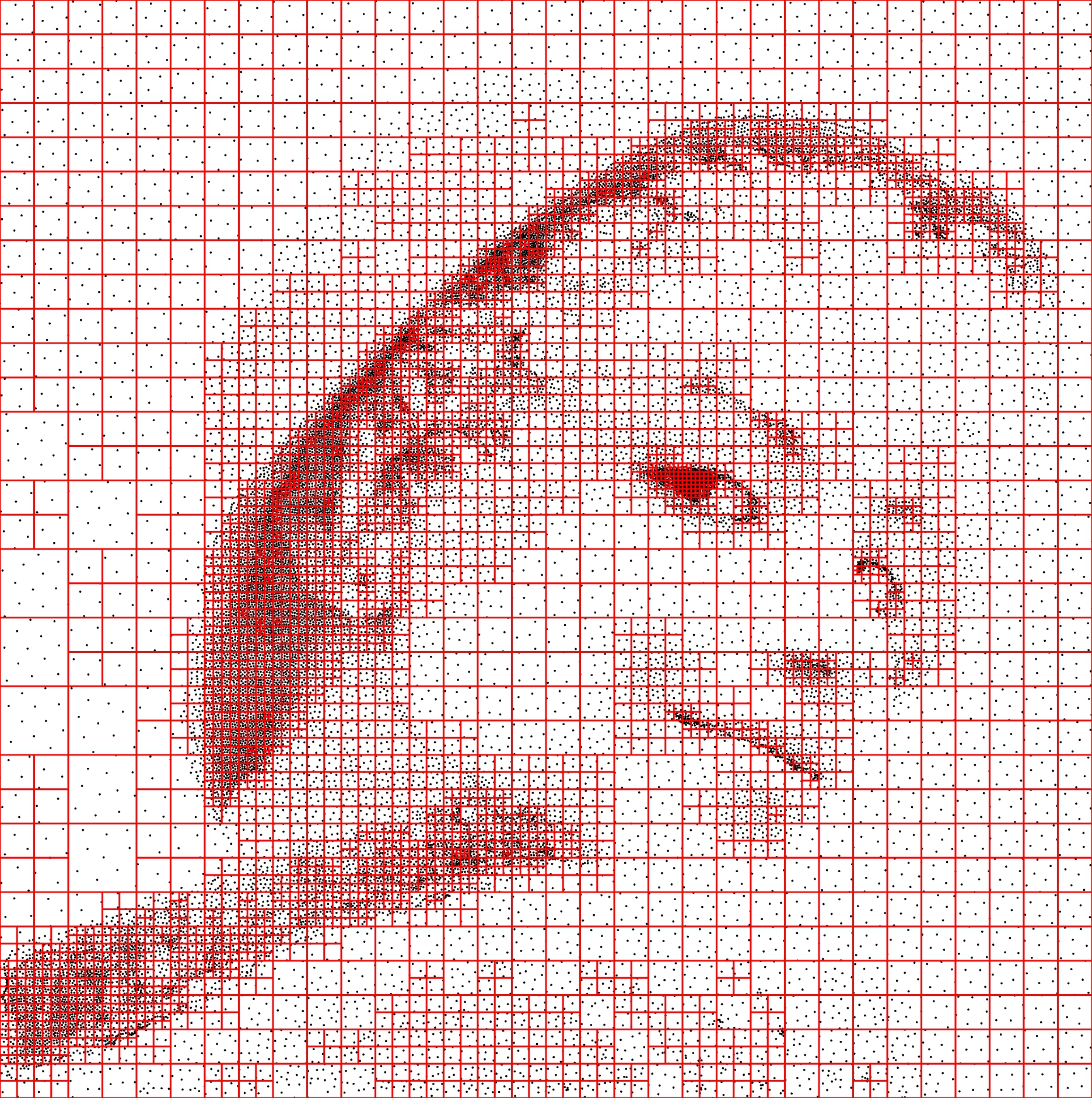
But it still felt like the dithering could look better and react faster. The next big optimisation came from the searching part of the algorithm. Each particle needs to find a number of its nearest neighbours so it can react to their distance. This is an n-squared problem, as the number of particles goes up the number of searches goes up exponentially. The most efficient way to get around this is to subdivide the search space using a quadtree algorithm. Again I looked at a few libraries but in the end (and partly just for the hell of it) I ended up coding my own from scratch with a little help from The Coding Train. This bit was great fun to code, love a recursive algorithm and watching the 2D image space get carved up into the fractal-like regions was mesmerising. Another big jump in performance, we were up to 50k+ particles flowing around the screen at 30fps.
Now that the dithering was sorted it was time to turn to the main reason for the project the single line that runs through all the points. Because of the quadtree searching for the nearest pint to draw the line through was much faster than Processing. Unfortunately, the line drawing was flickering all over the place, it needed some temporal consistency so I tweaked the code to retain the line path from frame to frame and only update the path if the path can find a more efficient route.
Added a bunch of UI sliders to play with the parameters, I modified OpenFrameWorks .SVG exporter to crop the line to the image size so that when plotted the pen doesn’t travel off the page.
RESULTS & IMPACT
Overall very happy with the result, a nice combination of organic fluid motion to the particles makes it partly experiential watching as they flow to match your face, with an output that can be plotted.
Entered the dithering algorithm for the creativecodeart week 37 prompt dithering. competition.
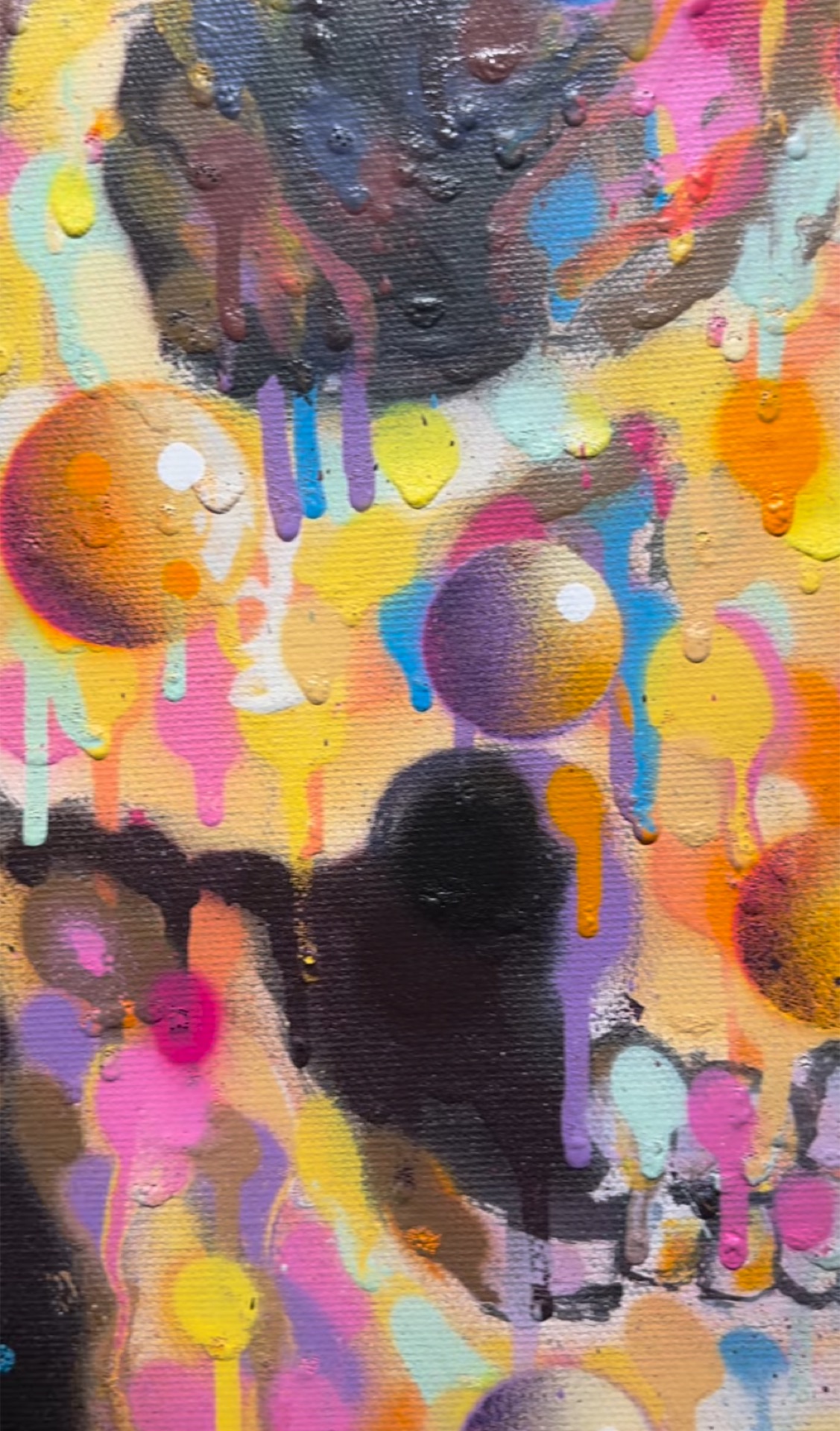
Plotted some images with Terrapen, this is a photo of a pen plot on paper
WHAT’S NEXT?
We are working on an installation where guests can get their own portrait drawn for them. If you are interested in using this at your own even please get in touch.
We’re always looking to expand our network of creative collaborators, from technical specialists to people that work in more traditional art forms. LAUNCH exists to blend the barriers between creative practices and new tech. Get in touch to explore ideas.